Blog / A food counter's day on a KOT billing app
Product · POS · Food counters
A food counter's day on a KOT billing app
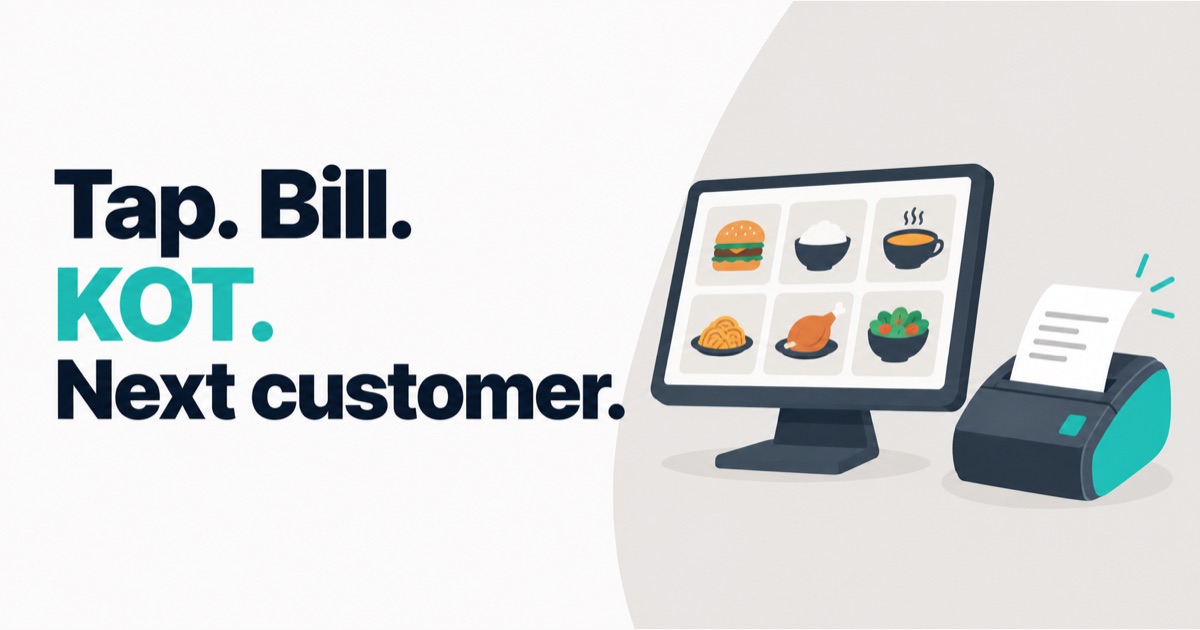
At a busy snack counter, nobody has time to read a screen.
So when we built DukaanKit POS as a KOT billing app for food counters, the test was simple. Can one person take an order in a few taps, get the kitchen ticket out, and turn to the next customer? Here is what a day looks like on the till, from opening to closing, with the things we got wrong along the way.
Opening: a PIN, not a password
The till starts locked. A staff member types their PIN and it opens. From then on, their name is on every bill and every kitchen ticket they make. The same PIN marks their attendance.
An early design kept "codes that unlock the till" and "staff on the attendance list" as two separate lists. The result was that the name printed on a bill could not be matched to a person on the roster. Now there is one list of people, and one PIN each.
The rush: what a KOT billing app is for
The menu is a grid of pictures. Each item has a photo and its name in English, Hindi or Kannada. The idea is that someone who does not read English can still bill correctly from the pictures.
Two small things keep the rush moving:
- Best sellers come first. Tiles are ordered by what sold over the last 14 working days. Today's sales are left out on purpose, so the tiles do not jump around in the middle of a shift.
- Type to find. Press "v" on the keyboard and the vada pav items come up. Press Enter and it is in the cart.
Tap Charge and two slips print: the customer's bill, then the KOT for the kitchen. If the shop has a separate kitchen printer, the KOT goes there. The KOT carries the token number, the items and who took the order, so a wrongly made order has a name on it.
After a clean sale the screen goes straight back to a new order. A small note shows the token and total for five seconds. The till only stops and asks for attention when a print fails.
The first two things we got wrong
We forgot the customer's bill. On the first real sale at the first shop using it, the kitchen ticket printed correctly. And nothing else did. We had built the KOT for the food flow and never built the customer bill. It was added the same day.
Cash was selected by default. So a customer paid by UPI, the cashier tapped Charge without changing it, and the bill was saved as cash. Now nothing is selected. The cashier has to tap Cash, UPI or Card before Charge lights up.
The Swiggy and Zomato orders
First, what it does not do: there is no direct link to Swiggy or Zomato today. The order arrives on the platform's own tablet and a staff member keys it into the till. The KOT prints as usual. The customer bill does not, because the platform bills the customer.
What the till does is keep the money straight:
- Each channel has its own prices: Counter, Swiggy, Zomato, Delivery. Switch the channel and the items in the cart change to that channel's price.
- A packaging charge can be added and it joins the bill.
- The platform's commission is recorded so the profit report is honest. It never appears on a bill.
The third thing we got wrong
Soon after, staff at the first shop stopped entering Swiggy and Zomato orders. Their reason: "the platform discount is not showing."
The maths was right. When the platform pays for a discount, the shop's sale does not go down, so our total did not go down. But the cashier was looking at two screens. The platform's tablet said one amount. Our till said another. To the cashier, our till was wrong.
We did not change the maths. We changed the screen:
- The big number is now Customer pays, the same amount the platform shows.
- Under it: Your sale and You receive (after fee).
- The discount has two boxes: Discount — we pay and Discount — platform pays.
A correct number that does not match the other screen in front of the cashier is, for that cashier, a wrong number.
Closing: a day that ends at 6 am
A food counter does not close at midnight. A bill made at 1 am belongs to the day the shop was open, not to tomorrow. So the business day in DukaanKit rolls over at 6 am.
Every bill takes its ingredients off stock, using the recipe for each item. The owner opens the back-office on their phone and sees today's profit: sales, minus the recipe cost of what was sold, minus platform fees. If the internet was down during the day, billing carried on and the bills sync when it comes back.
The fourth thing: software cannot fix a habit
Stock only stays true if someone records deliveries. At the first shop, sales were taking stock down all day, and nobody was pressing Receive when goods came in. The stock numbers went below zero and stopped meaning anything.
We added a "Start fresh" button that sets stock back to zero without touching bills or the menu, and a banner that says plainly why the numbers went wrong. The real fix is to make Receive the easiest button on the screen. That is not built yet. It is next.
What it does not do yet
- No direct Swiggy or Zomato integration. Orders are keyed in by hand.
- Bills and KOTs print in English only, even when the menu is shown in Hindi or Kannada.
If you run a snack shop or a food counter and want to see it on your own menu, start from the POS page. There is a free plan.
About the author. Arsalan Ahmed is building DukaanKit in Bengaluru and writes here about how it is going, including the parts that go wrong. Questions: WhatsApp +91 99165 16507 or [email protected].