Blog / Why the staff PIN is moving to 4 digits
Building · Security · Staff
Why the staff PIN is moving to 4 digits
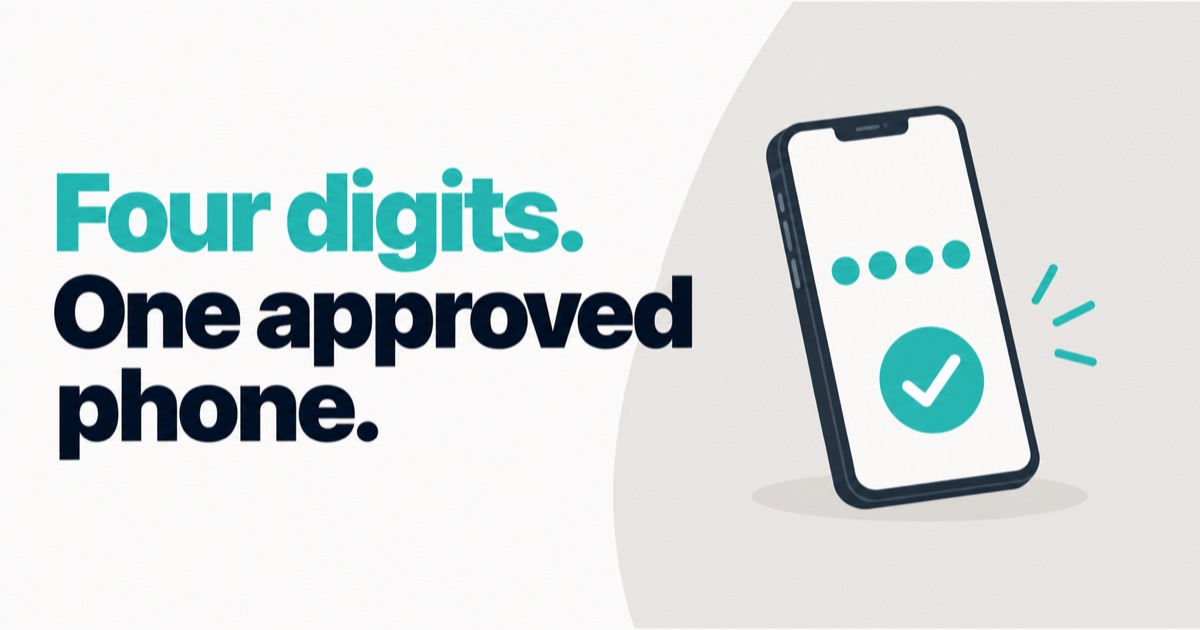
Last week I forgot the PIN to my own billing app.
I was testing the phone till on our test shop and could not remember its six-digit PIN. I had to go to the back-office and set a new one, because a staff PIN is stored in a form that nobody can read back, including me. That small annoyance ended in two changes. The staff PIN in DukaanKit is moving to 4 digits. And a new phone will need the shop owner's approval before it can sign in.
Why a 6-digit staff PIN was the wrong kind of safe
Six digits looks safer on paper. A million combinations instead of ten thousand.
But think about where the PIN is typed. A cashier unlocks the till many times a day, with a customer waiting. Six digits is slower every single time. It is also easier to forget, and I had just proved that on myself.
My worry with a long PIN is what people do when they cannot remember it. They write it on a slip near the till. They share one PIN between three people. Then the name on the bill means nothing, and the whole point of a personal PIN is gone.
Four digits is what people already use. Their ATM PIN is four digits. Most people can hold one more of those in their head and keep it to themselves.
What makes a 4-digit PIN acceptable
A short PIN is only acceptable if guessing is stopped. Ten thousand combinations is nothing to a program that can try all of them.
So we did not shorten the PIN first. We fixed guessing first, and shipped both together.
- Wrong tries are counted for the shop and for the person, across networks. Switching from Wi-Fi to mobile data does not give anyone a fresh set of tries.
- The count is saved. A server restart does not wipe it.
- Each lockout is longer than the one before.
- Obvious PINs are refused when someone sets one.
- PINs are stored as salted hashes. Nobody can look up a PIN, not the owner and not us. A forgotten PIN is replaced with a new one by the owner or a manager, and the new one works at once.
I am not going to publish the exact numbers. The honest summary is this: the old limit was weaker than it should have been, an audit of our own code showed it, and it was fixed before we shortened anything.
A new phone needs the owner's approval
A PIN is something you know. Banks add a second thing: something you have. A UPI app is tied to your phone. Someone who learns your UPI PIN still cannot use it from their own phone.
We are doing the same for the till.
The first time a staff member signs in on a phone the shop has not seen before, the app will not open. It will show a waiting screen that says: "Ask your owner to tap Approve in DukaanKit." The owner gets a notification and sees Approve and Deny in the back-office. If the owner approves, the till opens. If the owner denies, the phone is told so.
So a staff PIN that leaks will not be enough by itself. It also has to be typed on a phone the owner has agreed to.
Laptop tills were already tied to the shop in a similar way. A laptop only becomes a till when the owner creates a code for it in the back-office and that code is entered on the laptop.
Where this stands today
I would rather be exact than impressive.
- Live now: the stricter limits on guessing, 4-digit PINs on the server and in the back-office, and the server side of new-phone approval.
- Built, being tested on real phones before release: the phone till update with the 4-digit pad and the waiting-for-approval screen. Until that update is out, phones that staff already use keep working as before.
- Old 6-digit PINs still work. Each person will be asked to choose a new 4-digit PIN.
I will update this post when the phone update is released.
What I would tell another builder
Security that people work around is not security. A long PIN taped to the till is weaker than a short one in someone's head. Design for what people will really do at a counter.
Order matters. A short PIN with a weak limit on guessing would have been a step backwards. The limit had to be right first.
One person, one PIN. In DukaanKit the same PIN opens the till, puts the staff member's name on the bill and the kitchen ticket, and marks attendance. An early version had separate codes for the till and for attendance, and the name on a bill could not be matched to a person. Merging them was more work than adding a feature. It was worth it.
Test on yourself. I only felt how annoying six digits was when I was the one standing in front of a till I could not open.
If you want to see how staff, PINs and attendance work together in the till, the POS page shows it.
About the author. Arsalan Ahmed is building DukaanKit in Bengaluru and writes here about how it is going, including the parts that go wrong. Questions: WhatsApp +91 99165 16507 or [email protected].