Blog / A phone browser cannot use a Bluetooth thermal printer
Building · Android till · Printing
A phone browser cannot use a Bluetooth thermal printer
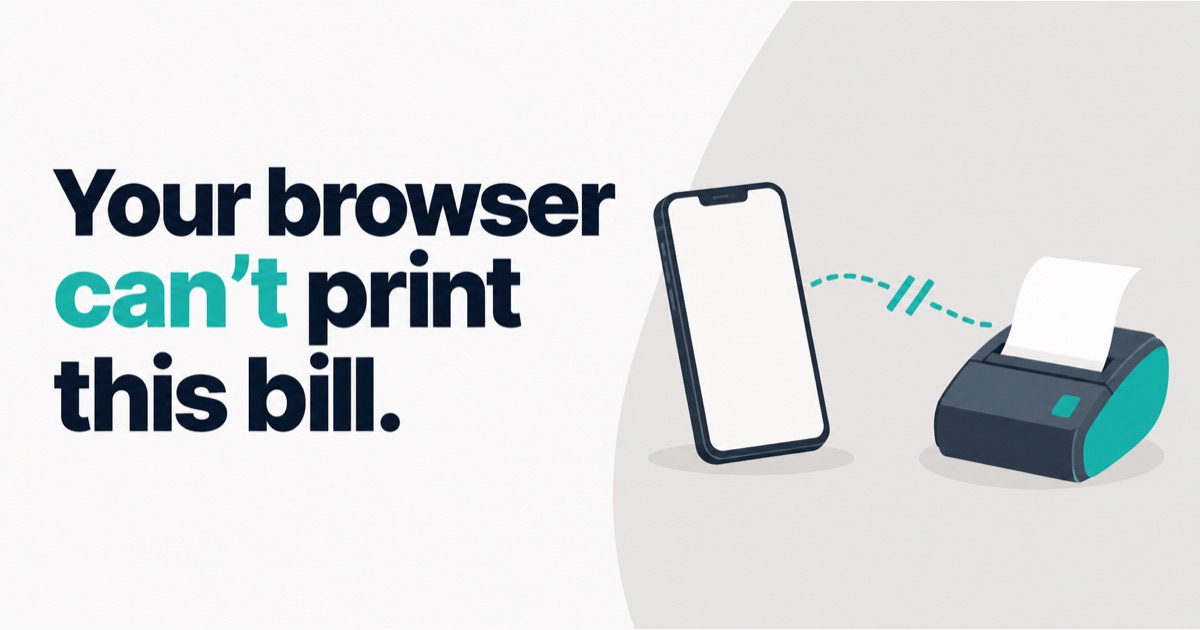
I was halfway through building a web version of our till when I stopped and threw the plan away.
The reason was one question I should have asked on day one: can a web page on a phone print a bill on a Bluetooth thermal printer? For the printers that small shops in India actually buy, the honest answer is no. This post is about that answer, and what it forced us to build instead.
What I was building
DukaanKit POS started on a laptop. Windows or Mac, a USB thermal printer, a bill for the customer and a kitchen ticket (KOT) for the kitchen. That part was working in a real shop.
The next step was obvious. Not every counter has a laptop. Some have only a phone or a tablet. So I started a web POS: a page you open in the phone's browser, sign in, and bill. No install. No app store. It looked like the fastest path.
Then I said this out loud, and it ended the project:
If a web POS does not print on a printer from a mobile phone or a tablet, then I don't need it.
A till that cannot print is not a till. At a food counter the kitchen ticket has to come out on paper. Showing the bill on a screen is not enough.
Why a browser cannot reach a Bluetooth thermal printer
Browsers do have a feature called Web Bluetooth. It sounds like the answer. It is not, for two reasons.
- It only speaks the newer, low-energy kind of Bluetooth. Most of the low-cost thermal printers I see sold to Indian shops use the older kind, often called Bluetooth Classic. The browser simply cannot open that connection.
- On iPhone and iPad browsers it does not exist at all.
So a web page on a phone can show a bill. It can share it on WhatsApp. It cannot push paper out of the small printer sitting on the counter. The web POS was never going to print, however well I built it.
What that forced us to build
A real Android app. We call it the Till. The decisions were made the same night:
- One app for phone and tablet. A tablet is just a wider screen. On a tablet the cart sits beside the menu. It is not a second app.
- Staff sign in with their mobile number and a PIN, so every bill carries the cashier's name.
- Bills are saved on the phone first. If the internet is down, they wait in a queue and go up later. The phone creates each bill's ID itself, so sending the same bill twice can never create two bills on the server.
- You download it from our download page, not from an app store, for now. That means the app has to tell you when a new version is out, so we built a small update bar into it.
The first downloadable version went up three days after that decision.
The part I am happiest with
The laptop till already builds every bill and KOT as the raw bytes a thermal printer understands. The Android app does not have its own copy of that code. It uses the same code, plus one small native piece that opens the Bluetooth connection and writes those bytes to the printer.
So the phone and the laptop are built to print the same bill, byte for byte. Not two versions that slowly drift apart.
The money rules work the same way. Counter price, Swiggy price, Zomato price, packaging, discounts, totals: one copy, shared by both tills. If I fix a rounding rule once, it is fixed everywhere.
What broke on the way
Three things, all found before a shop saw them.
The first sign-in would have crashed. The app read one field from the server's reply under the wrong name. It was caught and fixed before release.
Bill numbers would have collided. The laptop numbers its bills from 1 every morning. A phone doing the same would produce the same number as the laptop on the same day. The server refuses duplicate bill numbers, so that bill would have been stuck in the phone's queue forever. Bill numbers from a phone now carry a short tag for that device.
The keyboard was in the way. At a counter the phone is held in one hand, and the system keyboard covers half the screen. The PIN screen now has its own big number pad.
What is not proven yet
I want to be exact about this.
The Android Till is live on our download page. Sign-in, the menu, billing, the offline queue and updating over an older version have been tested: on an emulator, against a test server, and sign-in against the live server with a test shop.
The one thing I have not finished testing as I write this is the most important one: printing on a real Bluetooth printer in my hand. The code is written and it sends the same bytes the laptop already prints with. A test on a 58 mm portable printer is next on my list. I will update this post with the result, good or bad.
Also, the phone Till is for food counters only today. Retail billing on the phone is not built.
What I took from it
Ask what the hardware needs before you choose where the software runs. I picked "a website" because it was the easiest thing to ship. The printer on the counter had already decided the answer, and I had not asked it.
If you run a counter from a phone or tablet and want to try the Till, the POS page has the details.
About the author. Arsalan Ahmed is building DukaanKit in Bengaluru and writes here about how it is going, including the parts that go wrong. Questions: WhatsApp +91 99165 16507 or [email protected].